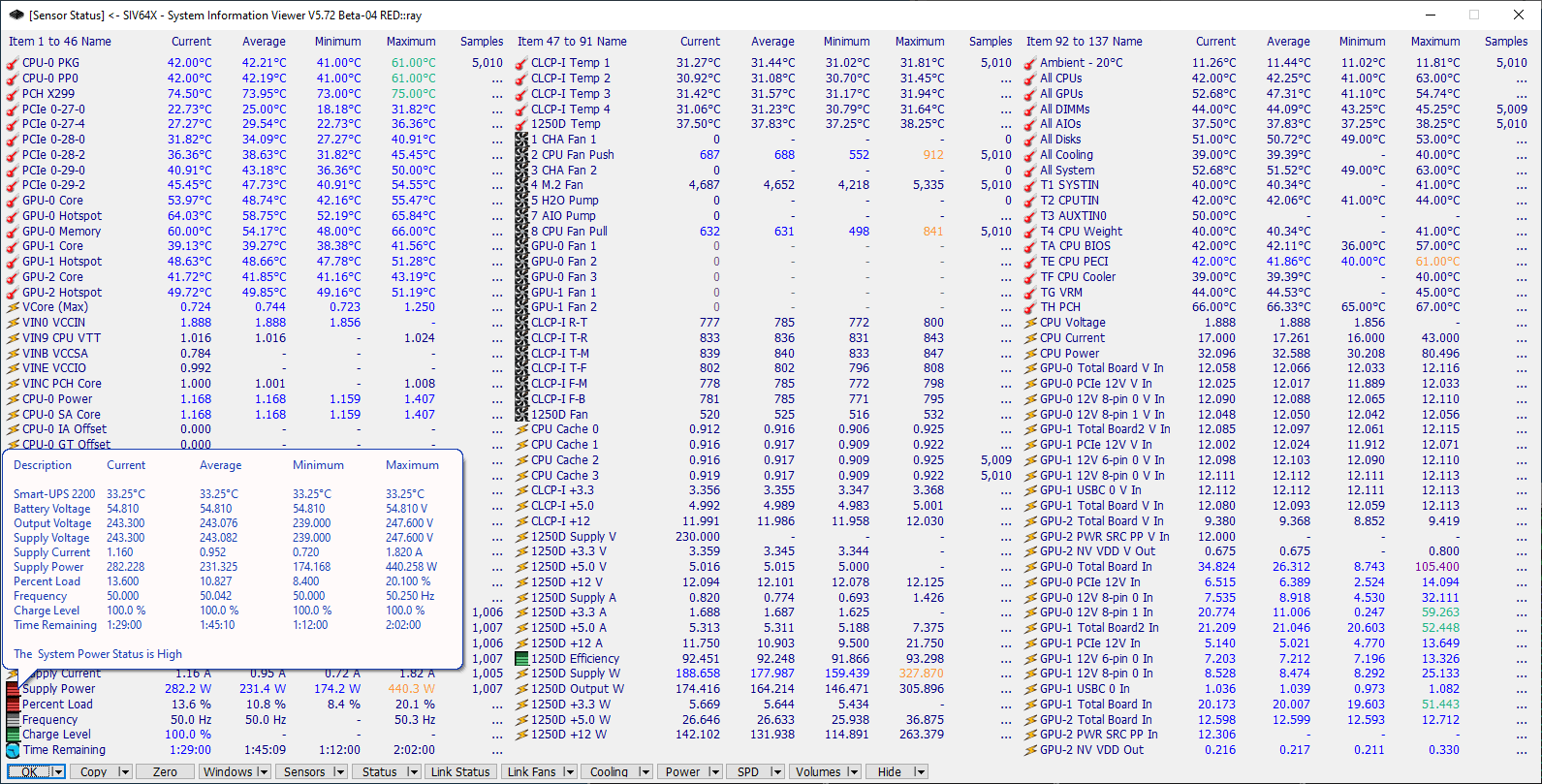
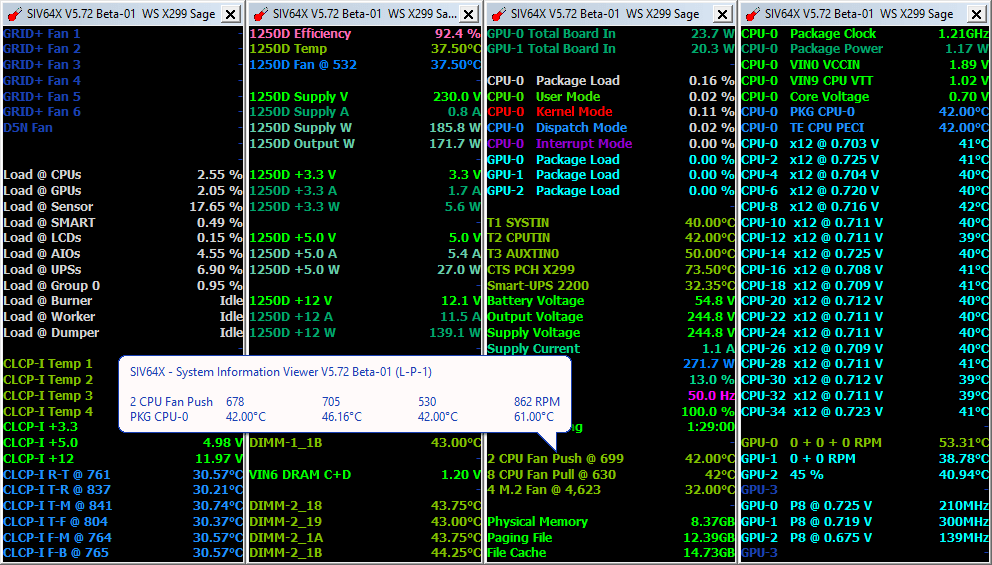
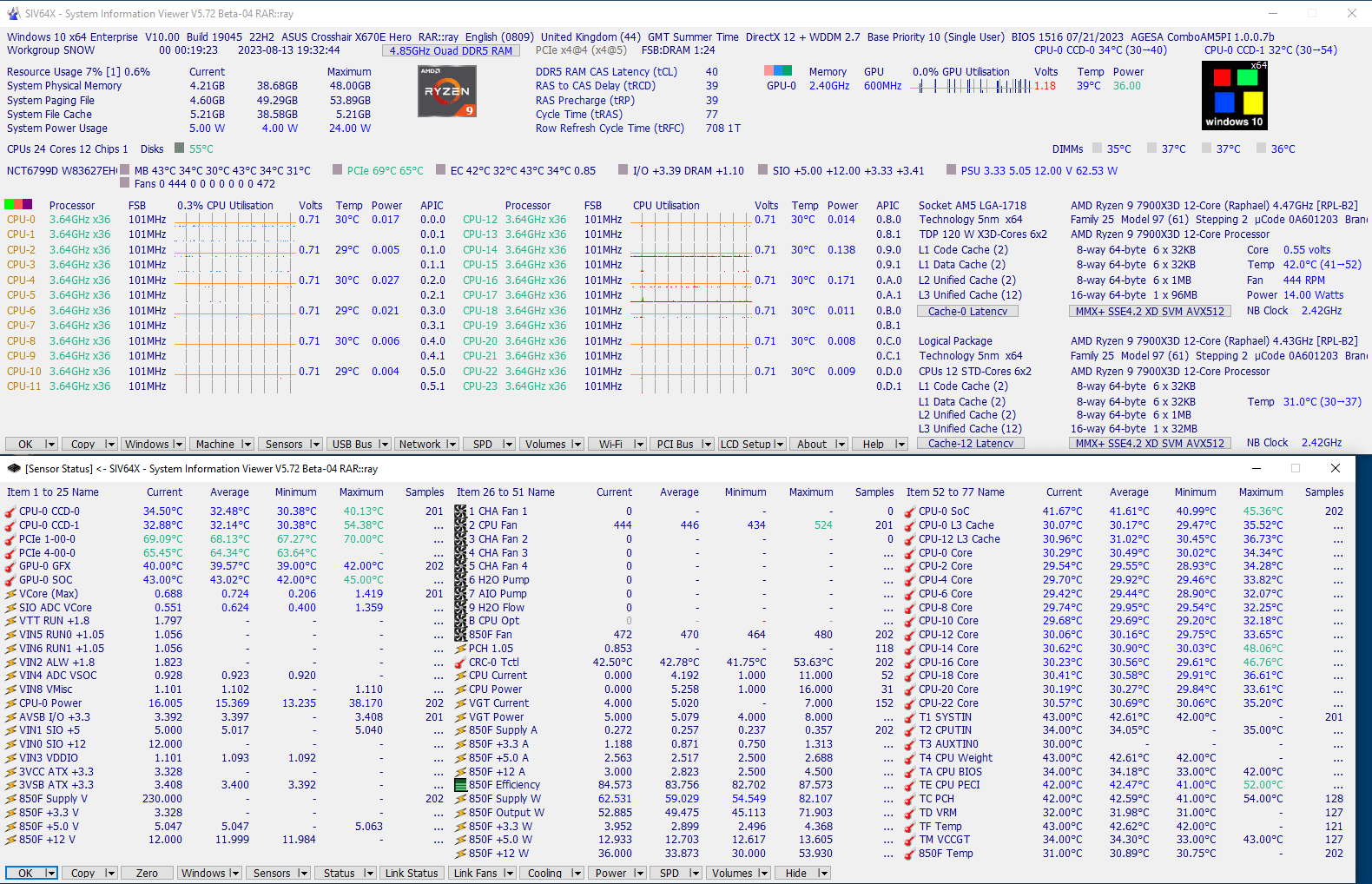
Many tools that display system data tend to be surprisingly limited, showing only a fraction of what is actually going on. With System Information Viewer (SIV), you get a comprehensive and detailed look at your entire system.
Deep hardware monitoring
The application is built from the ground up to provide straightforward diagnostics for your whole system. This includes everything from detailed resource statistics to the temperature of the disks, CPUs, and GPUs. You can also select different parts of your hardware to review component-specific details.A portable and organized utility
System Information Viewer is simple and pretty straightforward to navigate, keeping data divided into logical sections based on the hardware category. You do not even need to install anything. Just extract the downloaded zip file and you are ready to start using it right away.Network and software details
SIV features a Wi-Fi component that offers a detailed description of all the wireless networks around you. It lists specifics such as the network name, signal strength, frequency, authentication type, and other relevant metrics.
You can also gather specifics regarding your installed version of Windows, the machine's overall status, and core hardware health. Each section goes far beyond surface-level readouts to give you a thorough understanding of the relevant parts.Lightweight and accessible
You can switch between different readouts by simply clicking the buttons provided at the bottom of the main screen. SIV is entirely free for home use and has a tiny footprint, so you never have to worry about it taking up too much space on your drive.